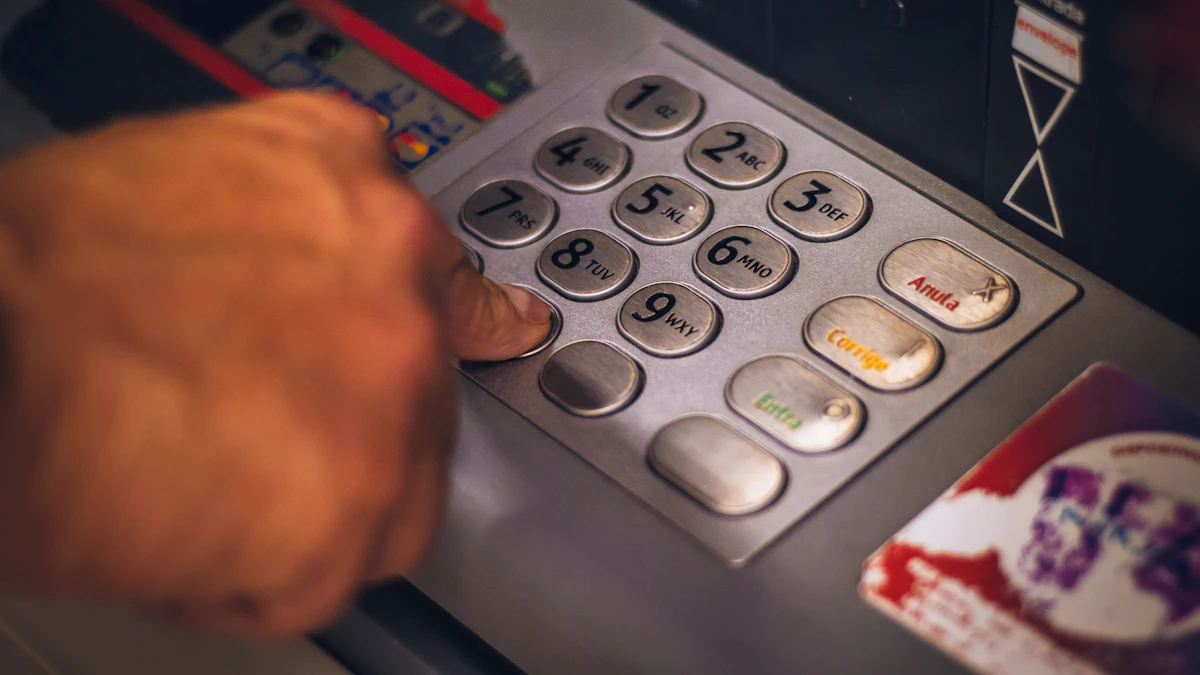
How bookmakers accept Uzcard deposits
Uzcard deposits are the most familiar route for players in Uzbekistan. Many people receive their salary or pension on an Uzcard, so bookmakers serving the country have added this system to their cashiers. Technically, the payment goes through the bookmaker's payment gateway (provider): you enter the card number and expiry date, and your bank sends a confirmation code by SMS. Once the code is entered correctly, the money usually appears in your betting balance within a few minutes.
Keep in mind that not every site that turns up when you search for a "bookmaker with Uzcard" works the same way. Some accept Uzcard directly through a card form, while others use a P2P transfer (the cashier gives you a card number and you send the money from your banking app). The cashier itself shows which option applies.
Step by step: funding your account with Uzcard
- Log in to the bookmaker's website or app and fill in your profile details (first name, last name, phone number) completely.
- Open the "Deposit" or "Cashier" section and select Uzcard from the list.
- Enter the amount. The minimum and maximum are shown in the cashier — typically starting from a few tens of thousands of soum.
- Enter the card number (16 digits) and expiry date. The card must be in your name.
- Enter the SMS code sent by your bank and confirm the payment.
- Refresh your balance after a few minutes. If you entered the promo code
XBUNKERat registration, a bonus may be added to your first deposit under the bookmaker's current terms.
Typical timings and limits
The table below gives a general idea. Exact figures depend on the bookmaker and the payment provider, so always check the cashier.
| Action | Typical timing | What it depends on |
|---|---|---|
| Deposit | Usually 1–15 minutes | Provider load, bank response |
| First withdrawal | From a few hours to 1–3 days | Verification, finance team review |
| Later withdrawals | Usually faster | Amount, the bookmaker's internal queue |
| Daily limit | Shown in the cashier | Bookmaker and bank policy |
Withdrawing to an Uzcard
A withdrawal works much like a deposit, with one difference: the request isn't processed instantly, but only after the bookmaker's finance team has reviewed it. In most cases you will be required to withdraw to the same Uzcard you used to deposit — this is the general "same method" rule explained in our withdrawals guide.
- Open the "Withdraw" section of the cashier and choose Uzcard.
- Enter the number of the card you used for depositing.
- Specify the amount and submit the request.
- If needed, upload documents for verification.
- Track the status of your request in the "Transaction history" section.
Common errors and how to fix them
The SMS code doesn't arrive, or a 3-D Secure error appears
Uzcard payments are usually confirmed with an SMS code (the local equivalent of 3-D Secure on international cards). If the code doesn't arrive, check that SMS notifications are activated, that your phone number is correct at the bank and that you have signal. Wait a few minutes and try again — too many attempts in a row may lead the bank to block payments temporarily.
"Card declined" or limit exceeded
Some banks set daily or monthly limits on online payments. Review your limits in the banking app or contact your bank. Don't look for ways to "get around" a bank restriction — that is a breach of the rules.
Money left my card but didn't reach my balance
First wait 15–30 minutes and refresh the page. If the money still isn't showing, save the receipt or transaction number from your banking app and contact the bookmaker's support team.
Tips for safe Uzcard payments
Uzcard payments usually go through without a hitch, but a few simple habits will save you unnecessary stress. First, it is convenient to use a separate card for betting: your main salary funds won't get mixed up with your gambling budget, and tracking spending becomes easier. Second, save the receipt from your banking app after every deposit — in a dispute, it is your strongest piece of evidence.
- Enter your card details only in the bookmaker's cashier or on the payment provider's page.
- Don't use the browser's "remember card details" feature on shared devices.
- Set a comfortable daily limit for online payments in your banking app — it helps with both security and budget control.
- If you get a call from an unknown number saying "your payment has been stopped, tell us the code", hang up immediately.
Uzcard, Humo or another method?
Uzcard advantages
- Available in almost every bookmaker cashier serving Uzbekistan
- Payments in soum, no currency conversion
- Usually credited quickly
Things to watch
- SMS notifications are mandatory
- Bank limits may restrict payments
- Withdrawals are often only possible to the same card
If you also have a Humo card, see our Humo deposit guide — the process is similar, but limits differ at some bookmakers. When Uzcard doesn't work, some users switch to USDT. One of the bookmakers that supports Uzcard is Mostbet. Reviews of other bookmakers are on our main site.